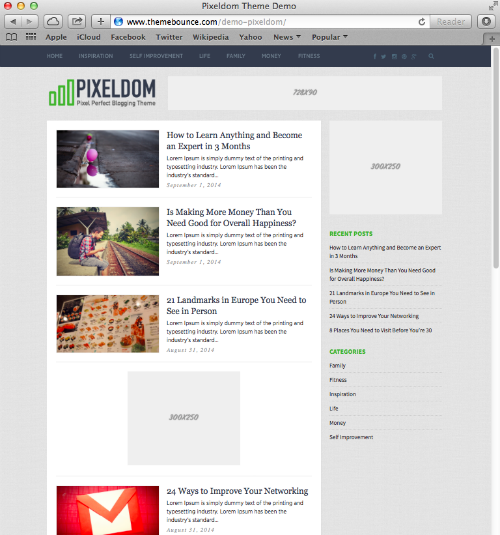
Pixeldom WordPress Theme

Description

Pixeldom · WordPress theme

Let the picture begin the story.

Some stories start with a photograph: a place, a detail, a moment that asks you to look closer. Pixeldom puts those images where they belong, alongside thoughtful introductions and readable articles. Create a visual journal that invites readers in and gives them a reason to stay.

Explore the Pro demo Try the free demo

Designed around your content

For stories seen as well as read

Set a visual direction

Set the tone with your logo, featured photography, and article introductions.

Keep the next story within reach

Guide readers through a growing archive with menus, search, and category widgets.

Make the details feel like you

Customize typography and colors while keeping the original native list layout.
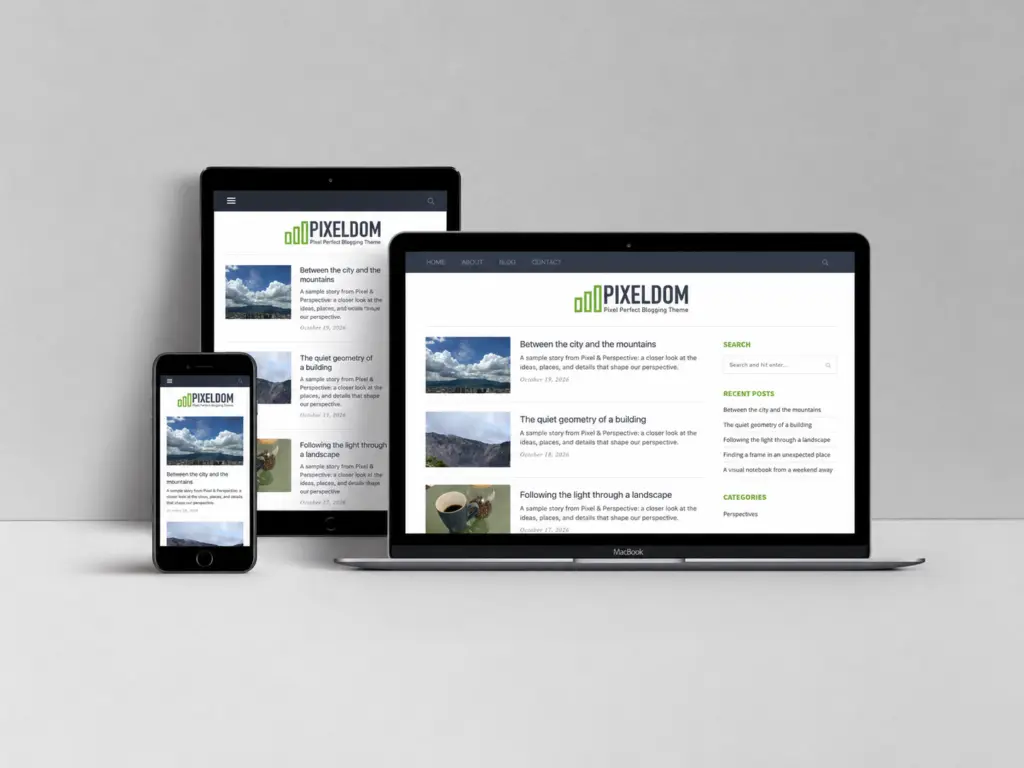
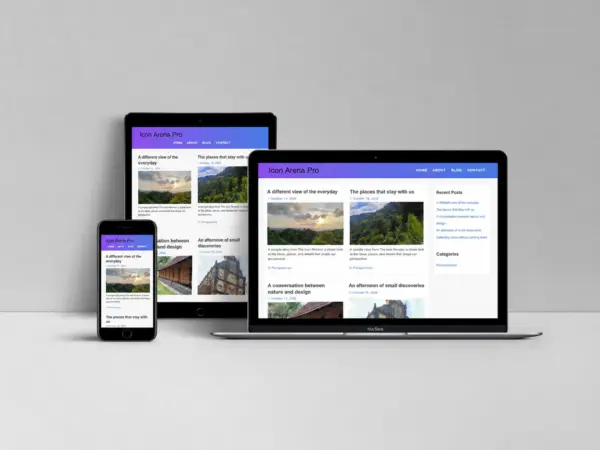
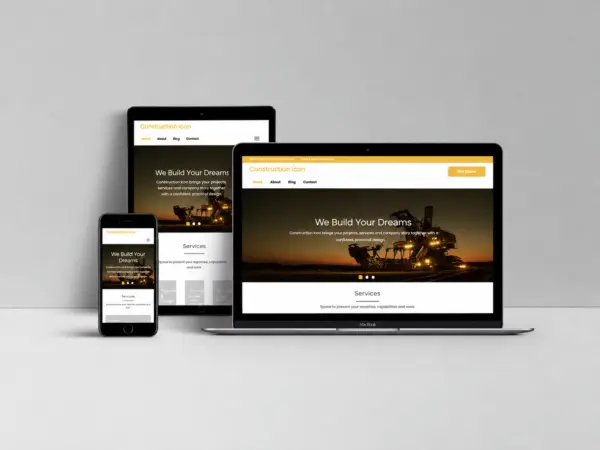
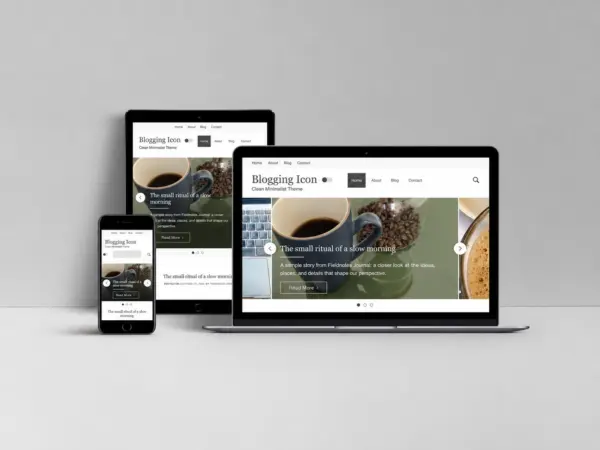
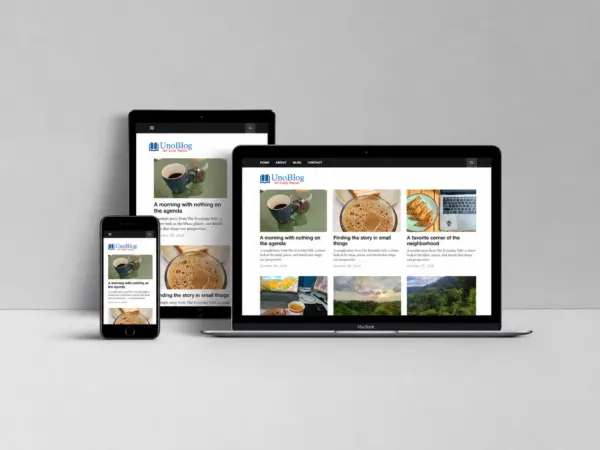
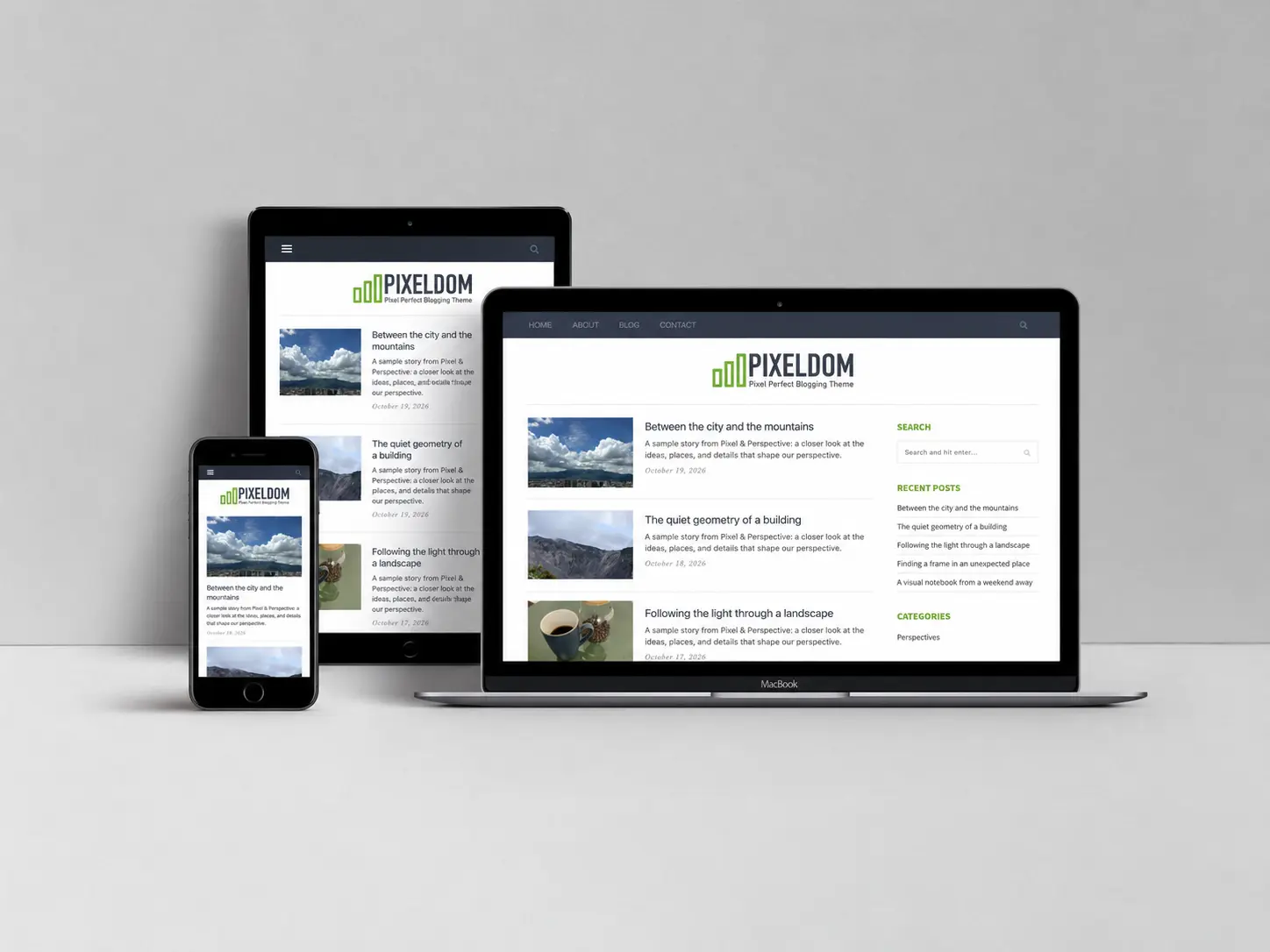
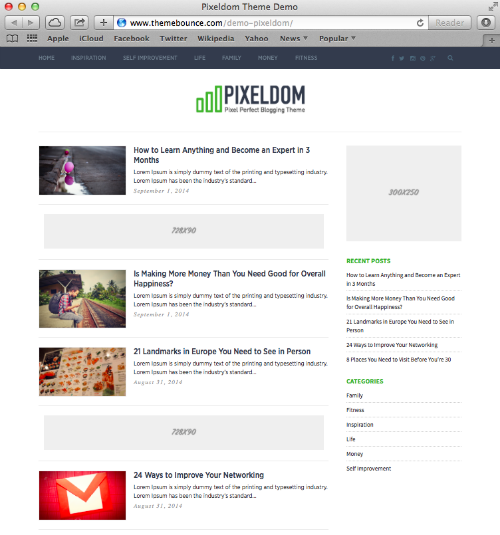
Pixeldom theme shown on desktop, tablet and phone
See the real design

Picture your next chapter.

Build an image-led publication without losing the reading experience. Pixeldom pairs prominent featured images with a clean article list and a useful sidebar for visual journals, lifestyle coverage, and independent editorial projects.

Explore both live demos, open a few articles and see how the layout feels on your phone. Choose the edition that fits the way you want to create.

Step inside the Pro demo

The demo uses standard posts, featured images, and sidebar widgets.

Start free. Grow into Pro.

The right tools for your next step

The free edition gives you a practical starting point. Pro adds more ways to shape the experience and includes its original paid theme layout.

Design capability Free Pro
Block-editor styling Included Included
Typography and color controls Included Included
Full-width page canvas Included Included
Editable starter patterns 3 patterns 5 patterns
Header call to action and announcement — Included
Optional sticky header — Included
Article reading-time controls — Included
From first install to first impression

Make it your own in three steps

Choose your foundation

Compare the live demos, download your edition and install the ZIP from Appearance → Themes in WordPress.

Bring your story

Add your logo, photography and content. Use the native homepage settings and demo setup notes to create the structure you want.

Make the finishing touches

Adjust fonts, colors and spacing. Preview on desktop and mobile, then share a site that feels like yours.

Demo photographs, text and businesses are illustrative. Sample content is separate from the free theme ZIP. Keep custom code in a child theme and back up your site before installing an update.

The ThemeIcon approach

Built with care. Improved with you.

Pixeldom gives your visual publication its own starting point. Behind it is the same ThemeIcon ambition: better WordPress themes, with speed, sound SEO foundations and thoughtful design guiding development.

Precision in the details

We focus on clear layouts, useful controls and an experience that serves your content. Ongoing fixes and refinements are part of that work.

Your experience matters

Tell us what slows you down or which feature would help. Your feedback guides our priorities and the improvements we work on next.

Read our story Share a feature idea

Your ideas deserve a considered home.

Take a closer look at Pixeldom, or let us help you make it your own.
Explore the demoRequest customization

A clear starting point

Before you make it yours

Answers to the questions that matter when choosing your next theme.

Can I try Pixeldom before I buy?

Yes. Open the separate Free and Pro demos to compare their native designs, and download the free edition from this page to try it on your own WordPress site.

What does Pro add?

Pro includes five optional starter patterns, a header call to action and announcement, an optional sticky header, reading-time controls and the theme’s original paid design. The free edition includes three starter patterns, typography and color controls, block-editor styling and a full-width canvas.

Will my site look exactly like the demo after activation?

The demo also includes sample articles, images, pages, menus and settings. Use the included demo setup notes and the separate starter content to recreate that structure, then replace the samples with your own content.

Do I need a page builder or a license key to design my site?

The included layouts and starter patterns work with native WordPress content and the block editor. Included theme design features work without license activation. Some original integrations are optional and need their companion plugin.

How do theme updates work?

Download the current ZIP from your eligible ThemeIcon account downloads. Back up your site, test the release on staging, and install it through Appearance → Themes → Add New → Upload Theme. The current theme package uses manual updates.

Can ThemeIcon customize the theme for me?

Yes. Visit our customization page to describe the changes you need and review the available service before ordering.

Ask a question
From the theme packages

What’s in the latest release

Versions and dates below follow the downloadable theme archives. Editing this page does not change the theme’s release date.

Pro edition

Version 2.6.0

October 20, 2026

  • Native theme design preserved with updated compatibility and styling.
  • Typography, accent color and layout controls.
  • Block-editor styling, five starter patterns and an optional full-width canvas.
  • Optional header call to action, announcement, sticky header and reading controls.
Free edition

Version 2.8.0

October 20, 2026

  • Native theme design preserved with updated compatibility and styling.
  • Typography, accent color and layout controls.
  • Block-editor styling, three starter patterns and an optional full-width canvas.
Keep a full backup and test updates on staging. The current packages are installed manually from your eligible account downloads.
Help shape what comes next

A theme that grows with real projects

The current release is available now. Future ideas are collected from the people building with it.

Available now

A stronger foundation

Native layouts, editable starter patterns, typography and color controls are already included in the current release.

Feedback welcome

Your next useful improvement

Tell us where your workflow needs more flexibility: a layout, a setting, a new pattern or clearer setup guidance.

Release by release

Follow the changes

Published improvements appear in the changelog. Ideas are evaluated before scheduling; no unannounced feature or delivery date is promised.

Suggest an improvement