
Published on 20 October 2026.
A theme should make your idea easier to recognize. Start with the story you want to tell, then choose a layout that gives it room to grow.
A photographer needs a different opening from a local practice. A daily publication needs a different rhythm from a personal journal. ThemeIcon brings those choices into a focused collection of nine WordPress theme families, with separate free and Pro demos you can explore before deciding.
Begin with one sentence
“This website helps these people do this one thing.” Write that sentence before comparing screenshots. It becomes your test for every layout, menu and call to action.
Choose a design around your content
Look at what will fill your homepage after the sample content is gone. If you publish frequently, the archive and article pages deserve as much attention as the opening screen. If you sell a service, visitors need to understand your work and find a clear way to contact you.
| Your starting point | Themes to explore | What to inspect |
|---|---|---|
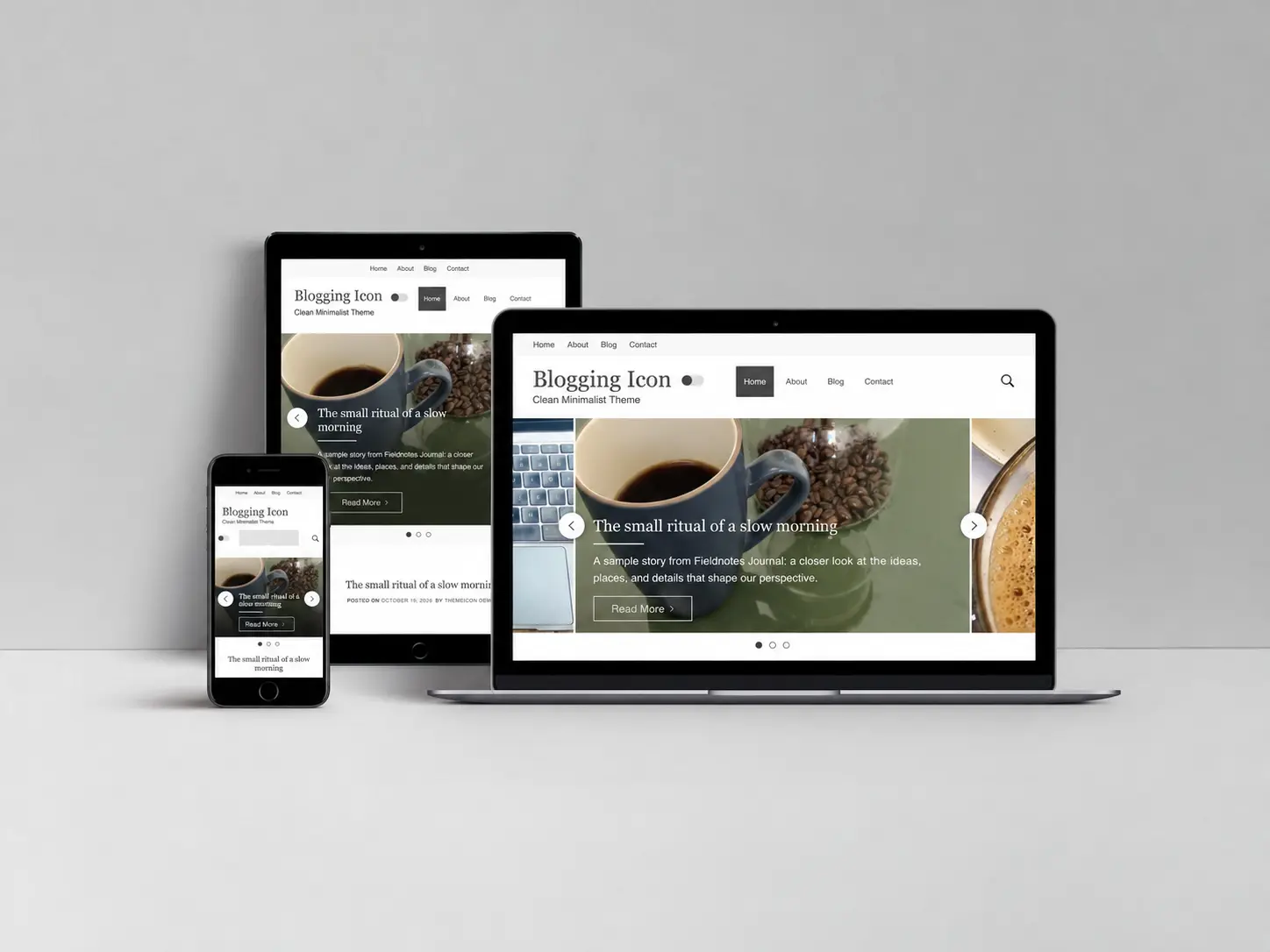
| A personal or editorial blog | Blogging Icon, UnoBlog, Clickright | Headlines, article introductions and the reading layout. |
| A visual journal or magazine | Pixeldom, Icon Arena | Featured photography, the post feed and sidebar discovery. |
| Creative work or a studio | Portfolio Icon | The photographic introduction and the path to project pages. |
| A practice or service business | Health Icon, Construction Icon | Service explanations, company information and contact links. |
| Technology or digital-finance publishing | Crypto Icon | The opening message, article hierarchy and category navigation. |
Give every demo the same test
Open the live demo collection on both a computer and a phone. Read an article, open the menu, follow a category and visit an ordinary page. A useful comparison is based on those everyday journeys, rather than the first image alone.
- Picture your own material. Try a long headline, a small logo and photographs in the shapes you normally use.
- Follow the next step. Can someone find another story, see your work or reach your contact information?
- Compare the editions. Check the product’s Free/Pro comparison and both demos. A feature visible in Pro is not automatically included in the free edition.
- Read the practical details. Review the package version, changelog, documentation and support route before installing.
Separate the theme from your business tools
A theme handles your site’s presentation. WordPress describes that role in its theme documentation. Your project may also need a form, booking service, property listings, analytics or an online shop. Check those integrations separately.
Health Icon’s appointment action links to your chosen destination; it is not a patient-booking platform. Construction Icon’s quote action likewise links to your chosen page or tool. Crypto Icon’s sample market table is illustrative, rather than a live financial-data feed. Knowing these boundaries helps you budget for the whole website.
Do you need a page builder?
Start by assembling a real page with the tools your selected theme already uses. The current ThemeIcon demos use native WordPress content and their themes’ own settings. A builder is a separate decision when your project requires a particular editing workflow or a layout beyond that starting point. Test the combination before committing; a builder’s name on a shopping list is not proof that every feature works with every theme.
Choose the right purchase path
Begin with a free theme when you want to try the design with your own content. Choose an individual Pro theme when its documented features fit one project. If you work across several designs, compare the coverage and current checkout availability on the ThemeIcon Club page.
Assess the total commitment: included themes, access period, renewal terms, support and any separate tools you need. An expired sale or a large discount does not tell you whether a theme suits the work ahead. Once you have chosen, follow the ThemeIcon setup documentation for the next steps.
Your next step
Choose two demos, compare the same pages, then write down the one requirement you still need answered. Our support page is the place for that question.
Explore the demosPlan your website