

Guide reviewed and rewritten on 20 October 2026.
A focused website begins with a useful promise: a clear answer, a recognizable point of view or a service people can understand.
You do not need a fixed number of pages to build a niche website. You need to know who it serves and what they should be able to do. A small, well-organized site can start a conversation; a larger publication can stay focused when every section serves the same audience.
Define the reader before the layout
Imagine the person arriving for the first time. What brought them here? What information would make the visit worthwhile? What would they need to see before trusting your work? Write down specific answers instead of broad categories such as “everyone interested in business.”
A local renovation studio might serve homeowners planning a first extension. A food journal might focus on dependable weekday recipes. A design portfolio might help potential clients understand one creative specialty. Each of those decisions suggests different photography, navigation and page content.
A one-page website brief
- Audience: who you want to help.
- Promise: the useful result of visiting.
- Evidence: projects, examples or experience you can show.
- Next step: read, enquire, subscribe or explore.
- Maintenance: who will keep the information current.
Build a small, useful first collection
Choose a homepage that introduces your purpose, an About page that explains who is behind it and a contact route you will actually monitor. Then add the pages that answer your audience’s most common questions.
For a publication, that might mean three strong introductory articles and a small set of meaningful categories. For a service business, it could mean a service overview, a project example, a process page and an enquiry form. Give each page one job. Avoid creating near-identical pages simply to make the site look larger.
Match the theme to the work
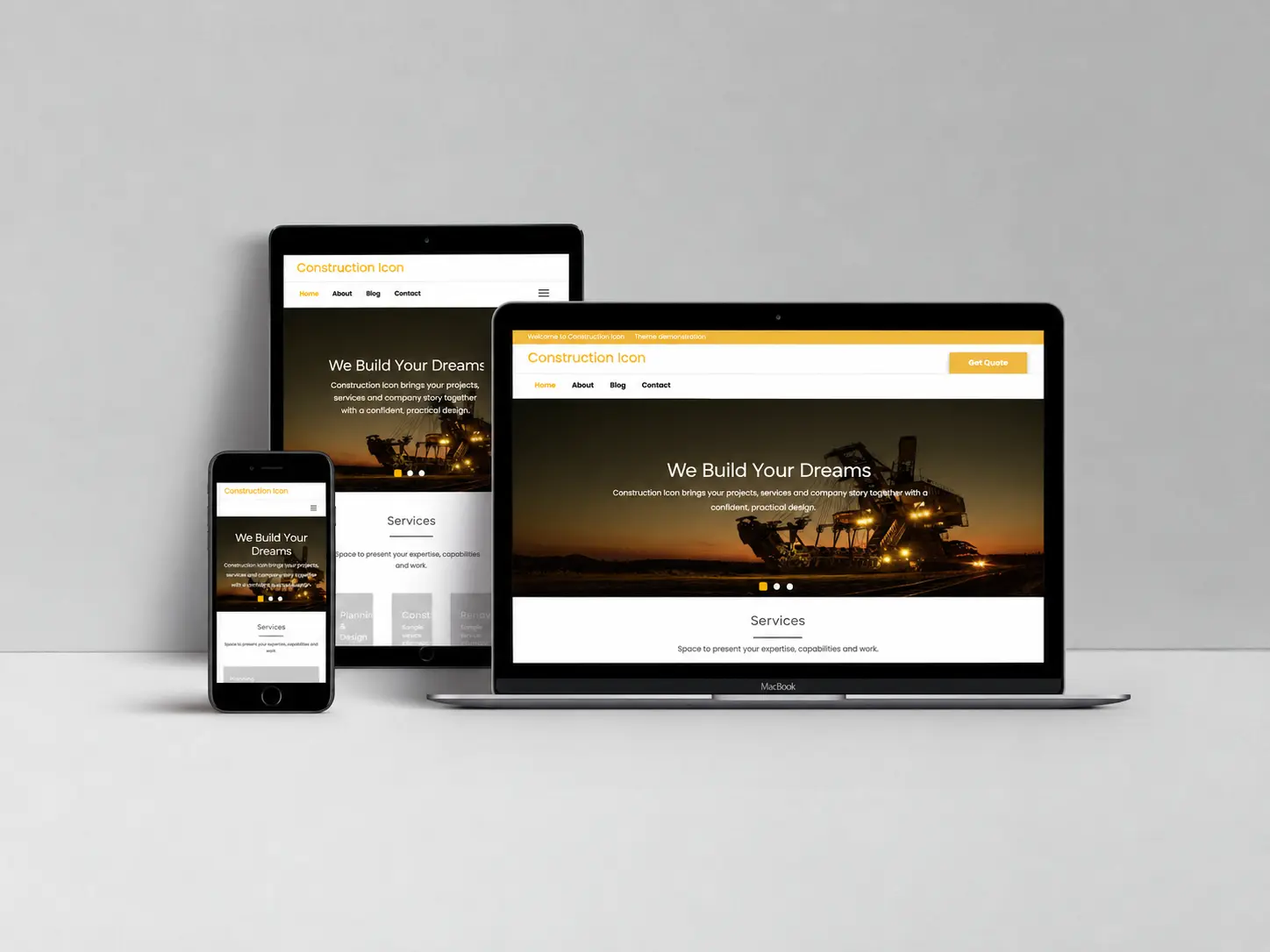
Portfolio Icon offers a photographic introduction for creative work. Construction Icon provides a service-business starting point, while Health Icon presents a practice and its services. Publishing projects can compare Blogging Icon, Icon Arena and the other designs in our theme selection guide.
Choose with your actual content in mind. A demo with striking photography will look different with a small logo and no original images. Prepare a few real pages before deciding how much customization you need.
Planning a real-estate or property website
Start by separating an agency’s introduction from a searchable property service. A brochure website can explain your area, team, services, previous projects and contact process. A listing platform has a different requirement: structured property records, filters, availability, maps and a reliable way to maintain those records.
Construction Icon can be evaluated as a starting point for a property-service or development company’s presentation. It does not include a property-listing engine, MLS/IDX connection, availability database or property-search system. If those are essential, select and test the specialist integration first, then assess whether your chosen theme presents it well.
Prepare a sample property or project page with the information you are entitled to publish: photographs, location detail, service scope and a clear enquiry route. Decide who removes outdated listings and who receives enquiries. Test that workflow on a staging site before offering it to visitors.
Make every navigation label useful
Prefer the words visitors expect: Services, Projects, Articles, About and Contact. Organize a publication around a few recognizable subjects. Put your most useful next step in a consistent location, and check that it remains easy to find on a phone.
For every page, ask whether a first-time visitor can understand the purpose without reading the whole site. If two pages answer the same question, combine them into a stronger resource and keep a clear path from any retired URL.
Launch with a maintenance rhythm
A finished layout is the start of the work. Set aside time to review contact details, service information, broken links and old articles. Keep a list of questions visitors ask; those questions are often a better content plan than a calendar filled with loosely related posts.
Use our hosting and launch checklist before going live, then review the SEO essentials. If a specific design change would help the site’s purpose, describe it through ThemeIcon customization so its scope can be agreed.