

Guide reviewed and rewritten on 20 October 2026.
Advertising can support a publication, but the reason people visit is still the publication itself.
Build the reading experience first: useful articles, a recognizable voice and clear navigation. Then consider how advertising fits around that experience. A WordPress theme can help present the site, but changing a theme does not guarantee AdSense approval, a particular click-through rate or any level of income.
Choose a layout you would want to read
Start with an article that represents your everyday work. Give it a realistic headline, an introduction, headings and images. Read it on a phone. If the content already feels crowded, adding advertising is unlikely to improve it.
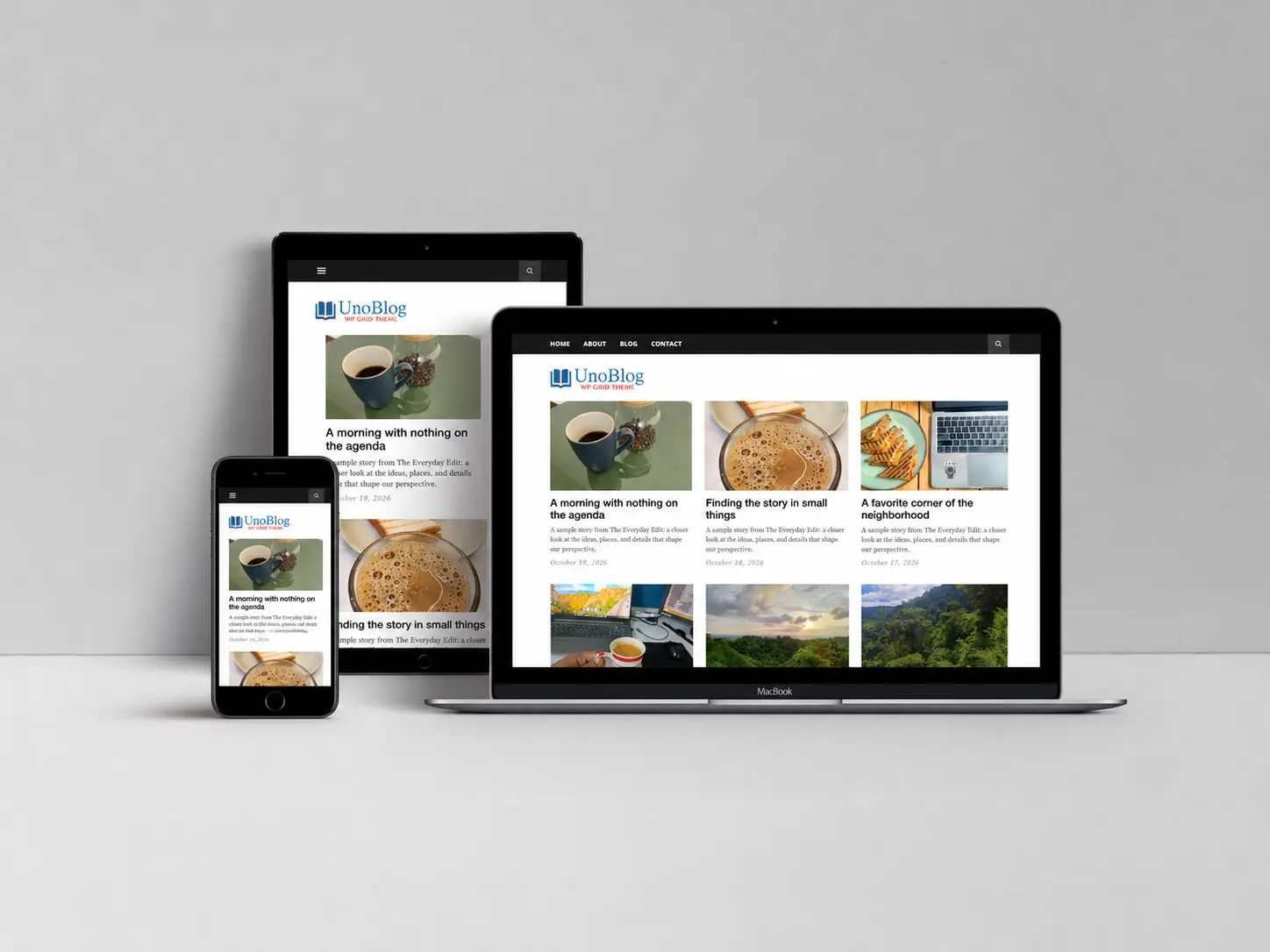
ThemeIcon’s Clickright, Pixeldom and UnoBlog offer distinct starting points for editorial sites. Clickright provides a structured article feed, Pixeldom puts featured photography forward, and UnoBlog offers a focused blog layout. Compare their native free and Pro demos with your own content in mind.
The theme is one part of the setup. Confirm where your chosen edition supports widgets or content areas, then evaluate the advertising integration separately. A sample image, sidebar or demo card should not be mistaken for a configured ad network.
Keep advertisements distinct from navigation
Ads should not look like the next article, a download button or an essential site control. Leave room around interactive elements and inspect the result at the smallest screen sizes you support.
Google’s ad placement policies address misleading placements and accidental clicks. Its AdSense Program policies also prohibit clicking your own ads or artificially increasing impressions and clicks. Use the current policy documents when deciding how an integration should behave.
Make an ad-placement plan before adding code
Sketch a few locations on a real article page. For each one, note what surrounds it: the headline, a paragraph, related reading or a footer. Ask whether the visitor can still find the main content and continue reading comfortably.
Start with a simple configuration you can understand and maintain. Document the tool that inserts each placement, so you can remove or adjust it without editing several unrelated areas. Avoid placing the same integration in both a plugin and a theme setting unless the provider specifically requires that arrangement.
Measure the whole visit
Clicks alone do not describe the health of a publication. Review readership, useful actions, page usability and advertising results together. A change that adds more ad opportunities but makes articles frustrating to read deserves a second look.
Use a written experiment log: the page or placement changed, the date, the reason and the observation period. Compare like-for-like traffic where possible. A seasonal story, a different traffic source or a small sample can explain a change that appears to come from the layout.
For publications with several contributors, our author analytics guide explains how to organize a measurement plan without treating a raw traffic leaderboard as a judgement of writing quality.
Protect the publication’s identity
Readers should be able to recognize who publishes the site, how to contact the team and why an article is useful. Keep author information, editorial context and relevant disclosures visible. Choose sponsors and promotions with the same care you give to the articles around them.
Plan content around the questions your readers actually have. There is no need to turn every topic into an advertising opportunity. A dependable archive and a clear editorial promise give the site a purpose beyond the placement of ads.
Before changing the live layout
- Back up the site and test the integration away from production.
- Review the current network policies and your account requirements.
- Check article pages, archives and mobile navigation.
- Confirm that ads do not cover content or resemble site controls.
- Record a baseline and a plan for evaluating the change.
Build the reading experience with a carefully chosen theme, then use the performance checklist to review the extra work that advertising adds to a page.